
Screenshots

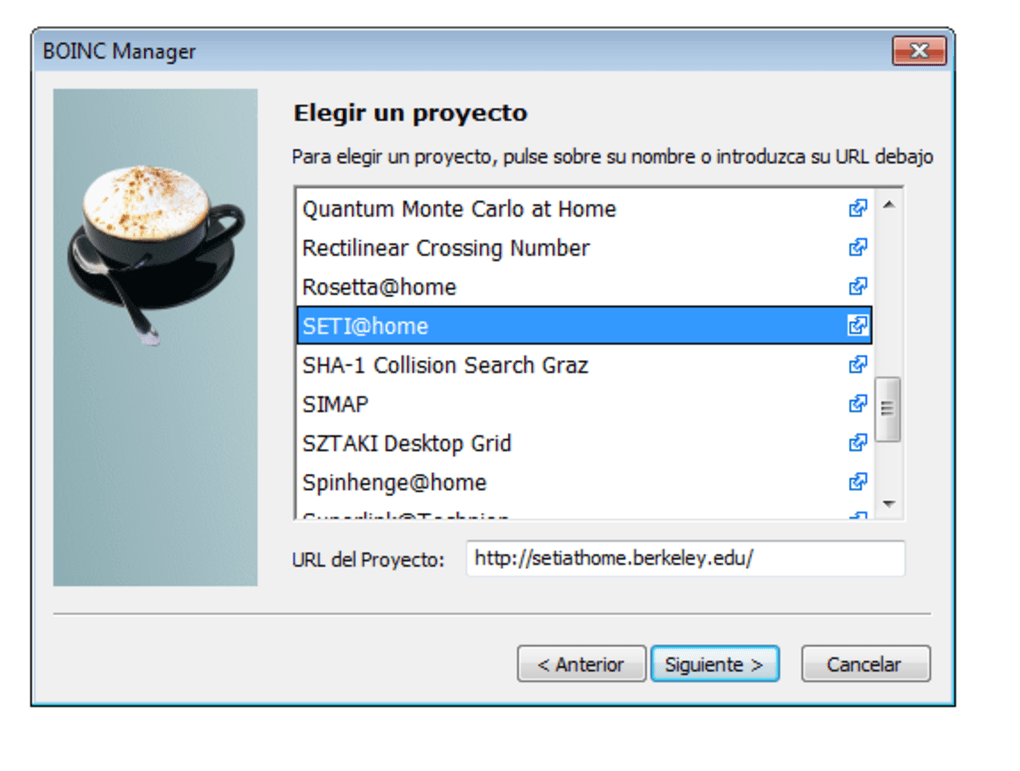
App details
- Version
- 6.10.18
- Size
- 7.35 MB
- Updated
- March 10, 2017
- Requires
- Windows XP
- Language
- English
- License
- Free
- Developer
- University of California
- Category
- Windows OS
SoftPas in:
This product is also available in the following languages:
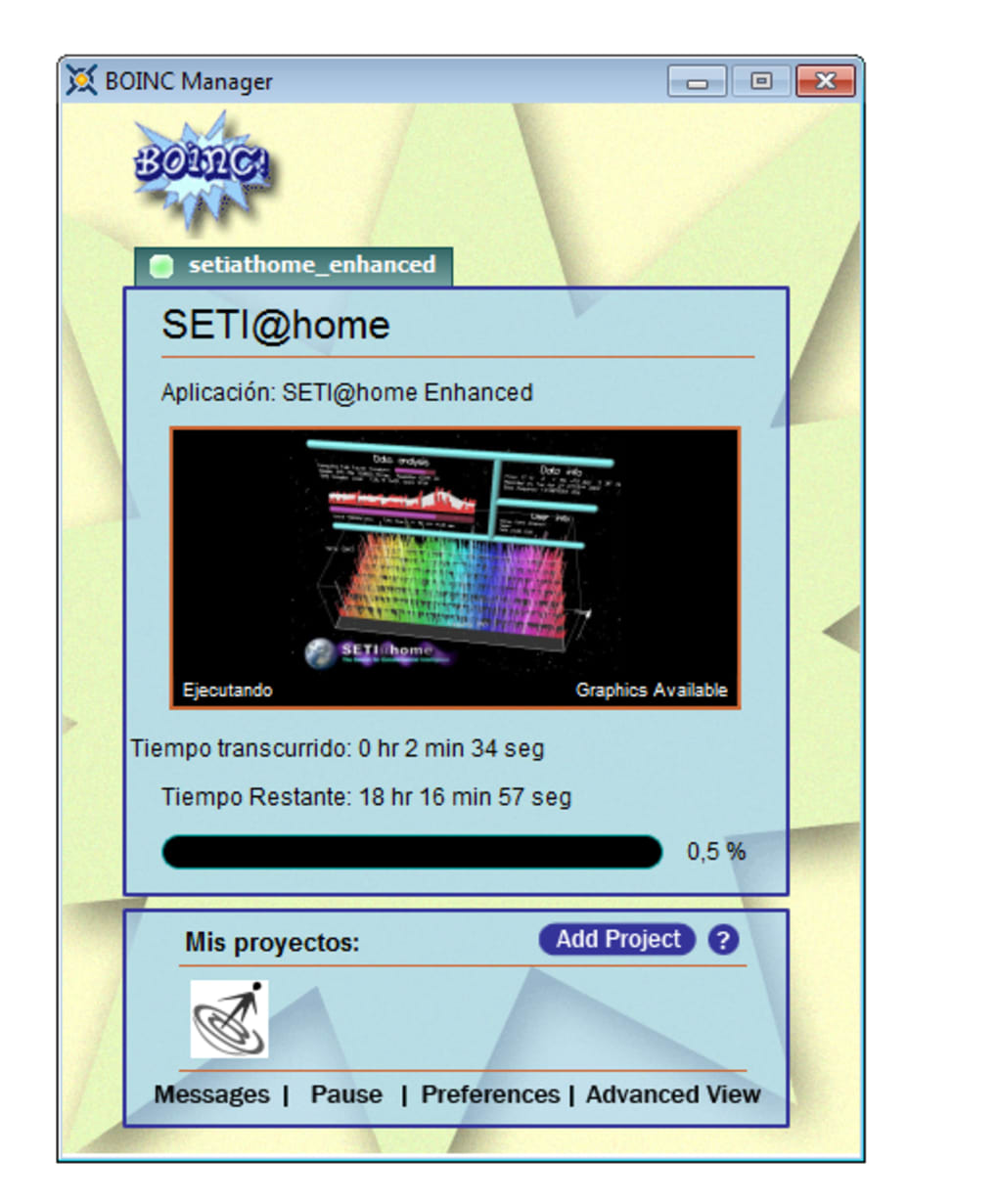
About SETI home
Download SETI home – Free Desktop Customization Screensaver for Windows
Overview
SETI home is a free Windows desktop‑customization program created by the University of California. Although its original scientific goal was to analyze radio signals for potential extraterrestrial intelligence, the software has evolved into a popular screensaver and visualizer that turns idle computer time into a stunning, data‑driven display. The current release, version 6.10.18, was last updated on 16 June 2012 and remains compatible with Windows XP and earlier Windows editions. Its lightweight footprint—requiring far less disk space than the average screensaver—makes it an ideal choice for users who want an eye‑catching desktop without sacrificing performance. The program is distributed exclusively in English, has been downloaded more than 48 000 times since its addition to our catalogue in 2012, and continues to attract users from the United States, Hungary, Poland, and many other countries. SETI home blends scientific curiosity with aesthetic appeal, offering a unique way to personalize your PC while contributing, albeit indirectly, to a long‑standing scientific project.
Key Features of SETI home
- Scientific Visualization: Real‑time graphics that illustrate the flow of radio‑frequency data collected from the Arecibo Observatory and other telescopes.
- Customizable Themes: Users can select from several preset visual themes or create their own colour palettes to match personal style.
- Low System Impact: Designed to run efficiently on older hardware, SETI home consumes minimal CPU and memory while the screensaver is active.
- Automatic Updates: The built‑in updater checks for newer releases and prompts users to install the latest version with a single click.
- Multilingual Support (English only): Clear, concise interface text that is easy to navigate for users of all skill levels.
- Secure Installation: Digitally signed installer ensures the download is authentic and free from malware.
- Free of Charge: No hidden fees, trial periods, or advertisements—SETI home is completely free for personal use.
- Community‑Driven Documentation: Extensive online guides and a supportive forum where users share tips, custom themes, and troubleshooting advice.
Installation & Usage Instructions
Getting SETI home up and running on a Windows PC is straightforward, even for beginners. Follow these steps for a smooth installation and immediate enjoyment of the screensaver:
- Download the Installer: Click the “Download SETI home” button on the official page. The file size is under 5 MB, so the download completes quickly on most broadband connections.
- Run the Setup: Double‑click the downloaded
SETIhome_6.10.18.exefile. Windows may display a security warning; confirm that you want to proceed because the installer is digitally signed by the University of California. - Accept the License: Read the short end‑user license agreement, then click “I Agree” to continue.
- Choose Installation Folder: The default location (C:\Program Files\SETIhome) works for most users, but you can select a custom folder if you prefer.
- Complete the Installation: Click “Install” and wait a few moments while the program copies files and registers the screensaver with Windows.
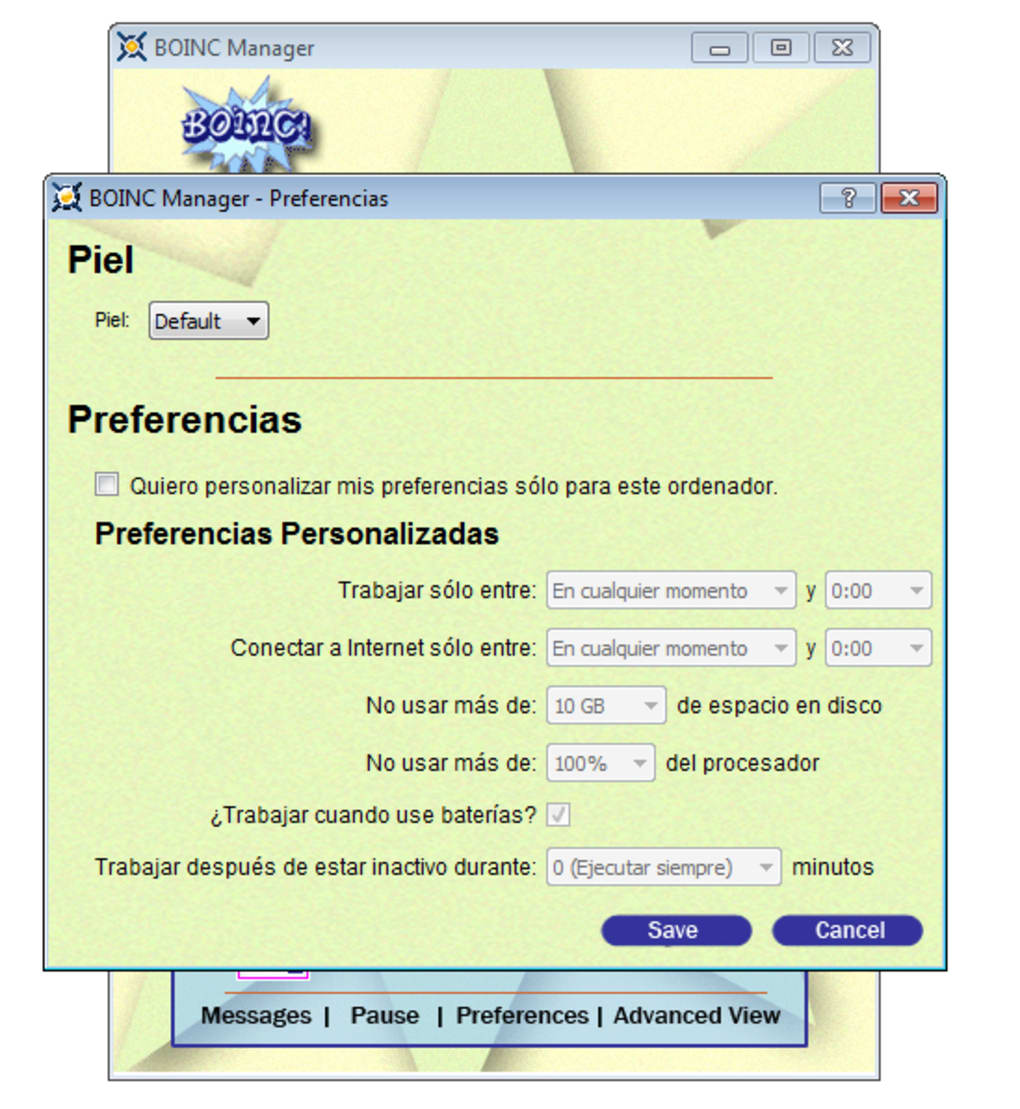
- Configure Settings: After installation, a configuration window appears. Here you can choose a visual theme, adjust the refresh rate, and set the idle time before the screensaver activates.
- Set as Default Screensaver: Open the Windows “Screen Saver Settings” (right‑click desktop → Personalize → Screen Saver). From the drop‑down menu, select “SETI home” and click “Apply.”
- Test the Screensaver: Click “Preview” to ensure the visualizer displays correctly on your monitor. If the animation looks choppy, lower the refresh rate or choose a simpler theme.
- Enjoy the Experience: When your PC is idle for the specified period, SETI home will launch automatically, turning your desktop into a dynamic scientific showcase.
Should you encounter any issues, the built‑in “Help” button links to a comprehensive FAQ and troubleshooting guide. Because the software is lightweight, it can also be run manually from the Start menu if you prefer to start the screensaver on demand.
Compatibility, Pros & Cons
SETI home is officially supported on Windows XP, Windows 2000, and earlier Windows releases. While the installer will run on newer Windows versions (such as Windows 7, 8, or 10) in compatibility mode, the developer has not released an official update for those platforms, so performance may vary.
Pros
- Free and secure download with no ads or hidden fees.
- Minimal system requirements; runs smoothly on legacy hardware.
- Unique scientific theme that differentiates it from generic screensavers.
- Easy installation process and intuitive configuration panel.
- Regular automatic update checks keep the software current.
- Highly customizable visual themes for personal branding.
Cons
- Official support limited to Windows XP and older; newer OS versions may need compatibility tweaks.
- English‑only interface; non‑English speakers must rely on community translations.
- Last major update was in 2012, so some visual effects feel dated compared to modern screensavers.
- No mobile (Android/iOS) version, limiting cross‑device usage.
The overall rating reflects a solid 4‑star experience: the program delivers on its promise of a lightweight, visually appealing screensaver while staying true to its scientific roots. The primary drawbacks stem from its age and limited OS support, but for users with compatible Windows versions, SETI home remains a worthwhile addition to any desktop.
Conclusion & Frequently Asked Questions
SETI home stands out as a niche yet powerful tool for Windows users who appreciate both aesthetics and science. Its free, secure nature and low resource consumption make it an excellent choice for older PCs, while the customizable themes allow modern users to inject personality into their workstations. Although the lack of official support for newer Windows versions and the English‑only interface may limit its audience, the program’s core strengths—lightweight operation, scientific visualization, and ease of installation—remain compelling. If you’re looking for a distinctive screensaver that turns idle time into a visual celebration of humanity’s search for extraterrestrial life, SETI home is ready to download and install in just a few clicks.
Is SETI home still safe to download in 2025?
Yes. The installer is digitally signed by the University of California, and the download link on the official site is regularly scanned by major antivirus engines. Always download from the official website to avoid tampered versions.Can I run SETI home on Windows 10 or Windows 11?
Officially the software targets Windows XP and earlier. However, you can install it on Windows 10/11 using compatibility mode (right‑click the installer → Properties → Compatibility → Run this program in compatibility mode for Windows XP). Performance is generally acceptable on most modern machines.Does SETI home actually contribute to scientific research?
The original SETI@home project used volunteered computing power to analyze radio data. The current desktop‑customization version focuses on visualization only and does not send data back to the research servers, so it serves primarily as a screensaver rather than a research tool.How much hard‑drive space does SETI home require?
The full installation occupies less than 5 MB, making it one of the lightest options in the desktop‑customization category.Can I customize the visual themes beyond the presets?
Yes. The settings panel includes a “Custom Theme” option where you can select individual colours, adjust particle density, and change background images. Community forums also share user‑made theme files that can be imported directly.Ready to give your Windows desktop a scientific makeover? Download SETI home now and start enjoying a free, secure, and visually stunning screensaver today.
Guides & Tutorials
How to install SETI home
- Click the Download button above.
- Once redirected, accept the terms and click Install.
- Wait for the SETI home download to finish on your device.
How to use SETI home
This software is primarily used for its core features described above. Open the app after installation to explore its capabilities.
User Reviews
No reviews yet. Be the first to share your experience.
You may also like
more
Llama 2
Free-to-use large language model As the new addition to Meta’s arsenal of langua...

NotebookLM
Revolutionizing the note-taking and idea-generation process NotebookLM is an exp...

Github co pilot
AI-inspired software development and coding platform GitHub Copilot is a browser...

Google Gemma
Google’s lightweight AI models Introducing Google Gemma , a family of cutting-ed...

AI Image Enlarger
A free app for Windows, by ai-image-larger. AI Image Enlarger is a free software...

DALL E
AI-driven text-to-image transformation engine DALL·E is a free graphic and desig...